Quick intake
Customer intake & booking
Let customers enter details by QR, or let staff handle bookings and walk-ins.

Repair shop management, simplifiedRepair shop management
Manage bookings, walk-ins, repairs, finances, reports, and your team—all in one simple workspace.Bookings, repairs, payments and your team.
One connected workspace.
Keep every job moving, every payment tracked, and your whole team in sync.
Job management
Inventory & spare parts
Customer records
Invoicing & payments
Staff & access control
Business reports
Repair warranty
After-sales support
Core features
The everyday tools your team needs to move every repair forward.
Let customers enter details by QR, or let staff handle bookings and walk-ins.
Create jobs, assign technicians and keep every repair status updated.
Share secure tracking links and keep customers updated.
Prepare repair agreements and record online or offline approval.
Build a searchable database of parts and service prices, manage suppliers, and track costs for every repair.
Issue documents, record payments and monitor outstanding balances.
Keep repair history, warranty coverage and follow-up cases together.
See profit, expenses, job performance and business reports.
Manage staff permissions, team performance and multi-branch access.
Give your shop a branded FixCron address. Available as an add-on for Standard and Enterprise, subject to admin approval.
End-to-end repair workflow
From customer intake to after-sales, keep every repair moving through one clear workflow.
QR self-entry • Booking • Walk-in
Device details • Inspection • Approval
Assign technician • Status updates • Tracking link
Parts & stock • Bill or invoice • Payment
Repair history • Warranty • Follow-up
A closer look inside
Explore the workspace that brings your repair shop together.
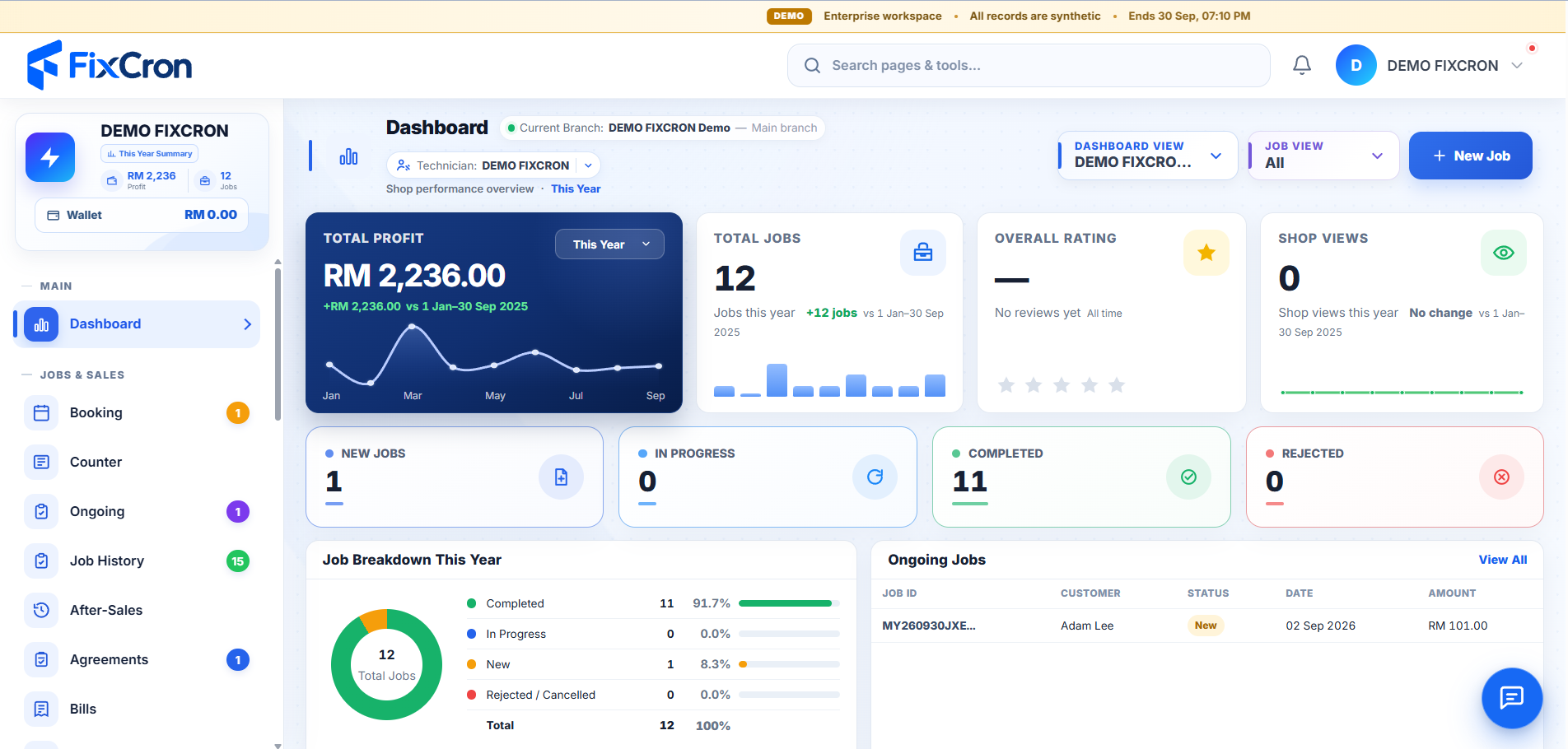
Your shop at a glance. Switch between light and dark.
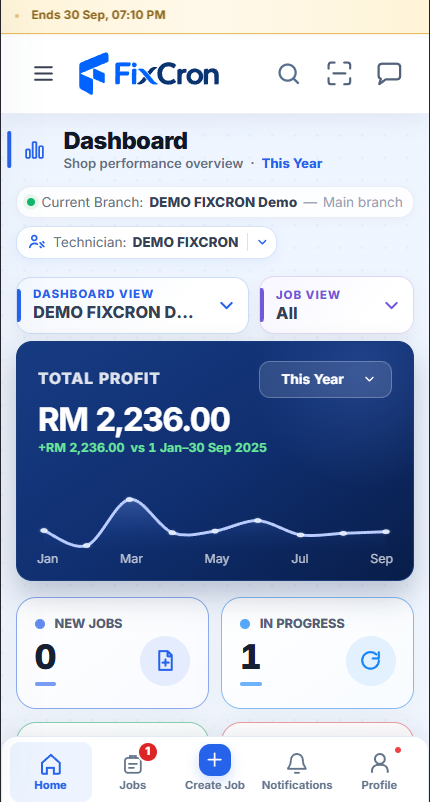
Check your shop from the screen in your pocket.
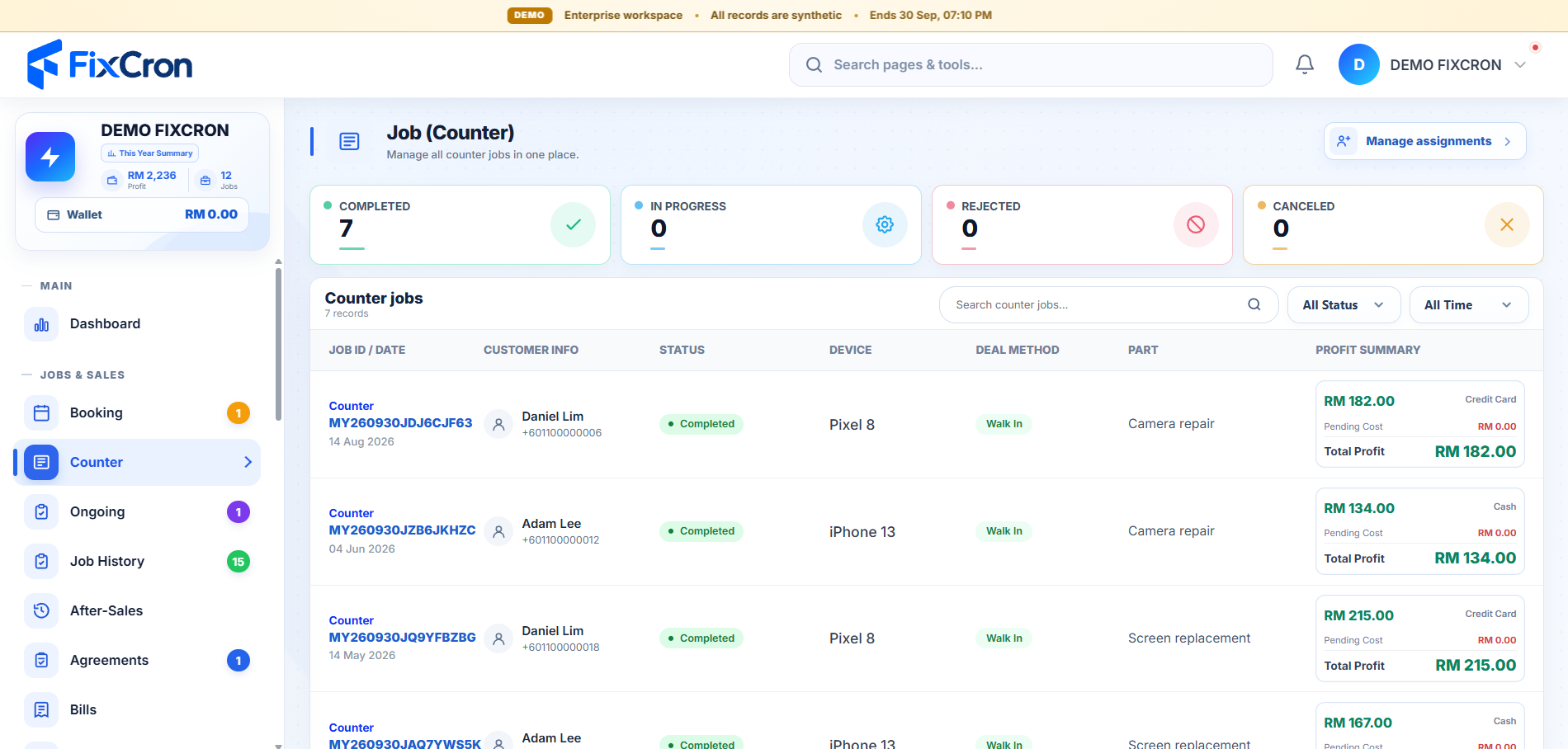
Keep walk-in repairs and job progress organised.
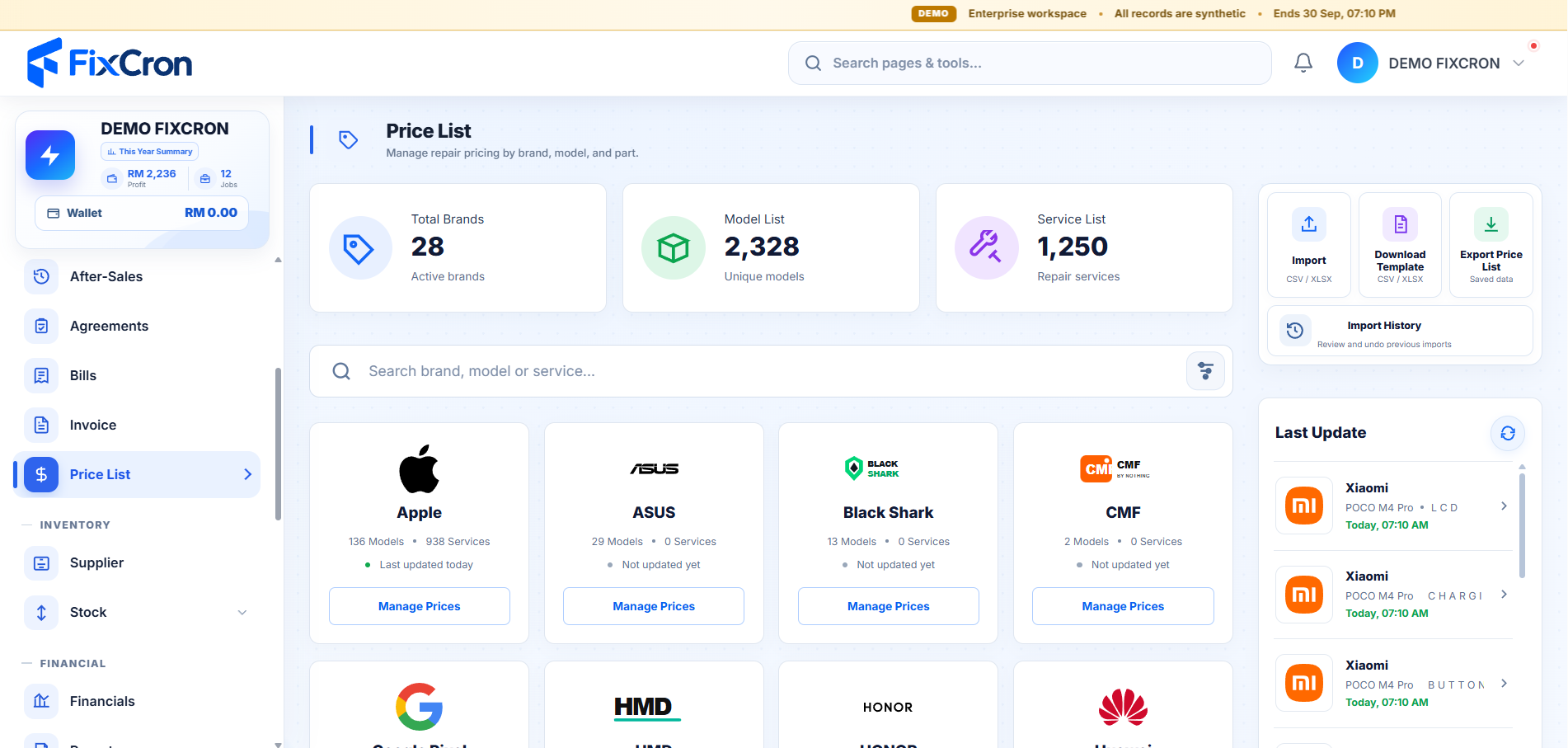
Find repair prices by brand, model and service.
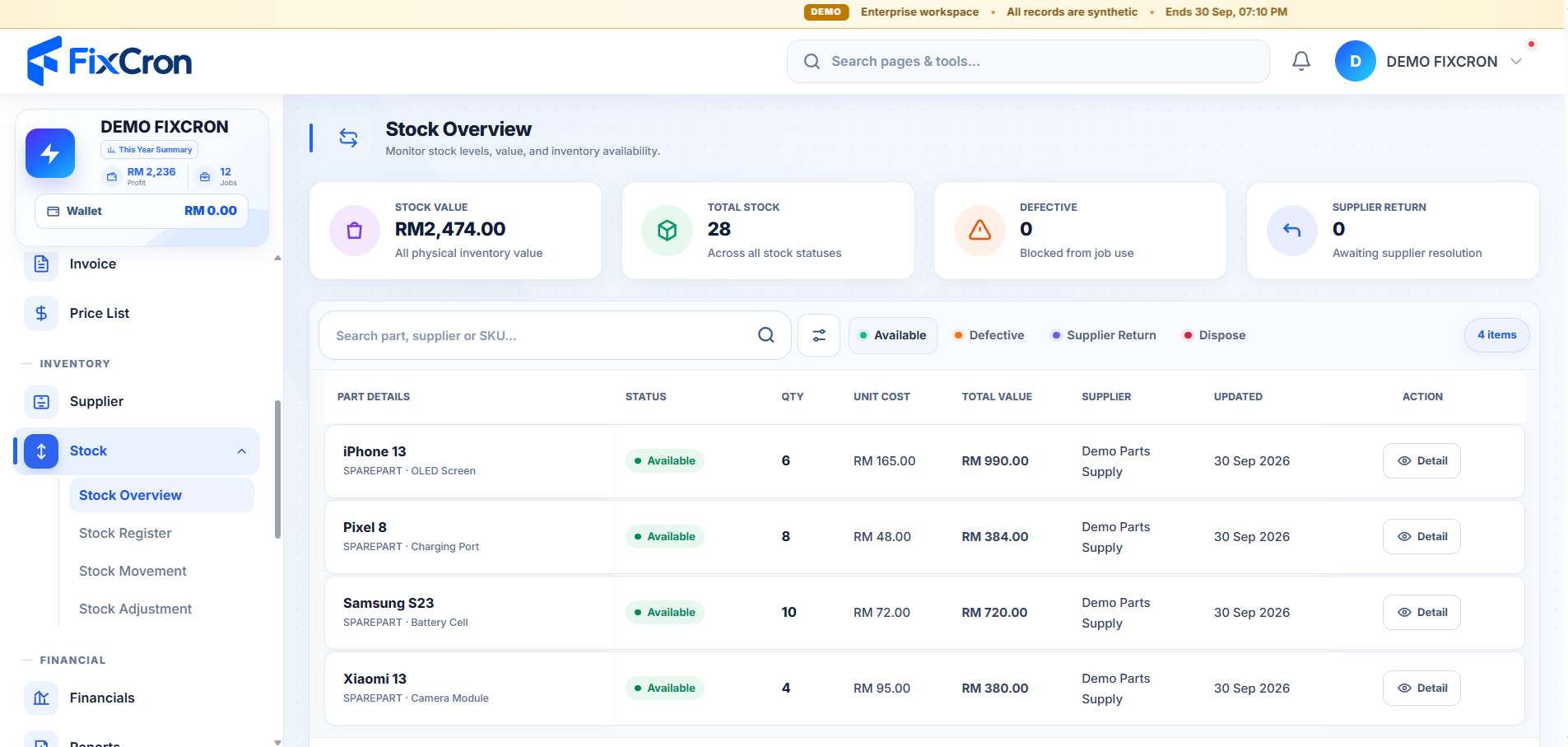
See available parts, quantities and stock value.
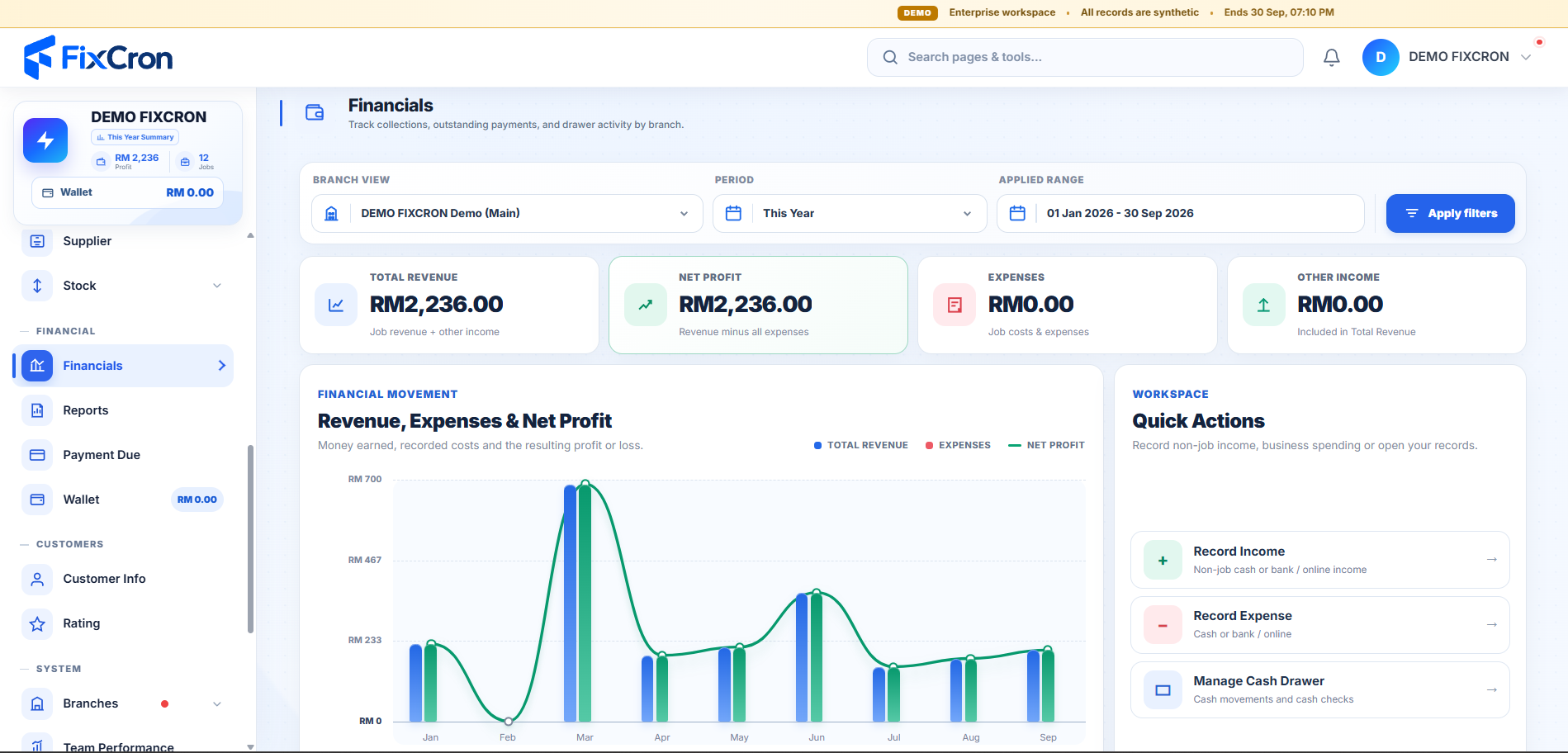
Follow revenue, expenses and profit in one place.
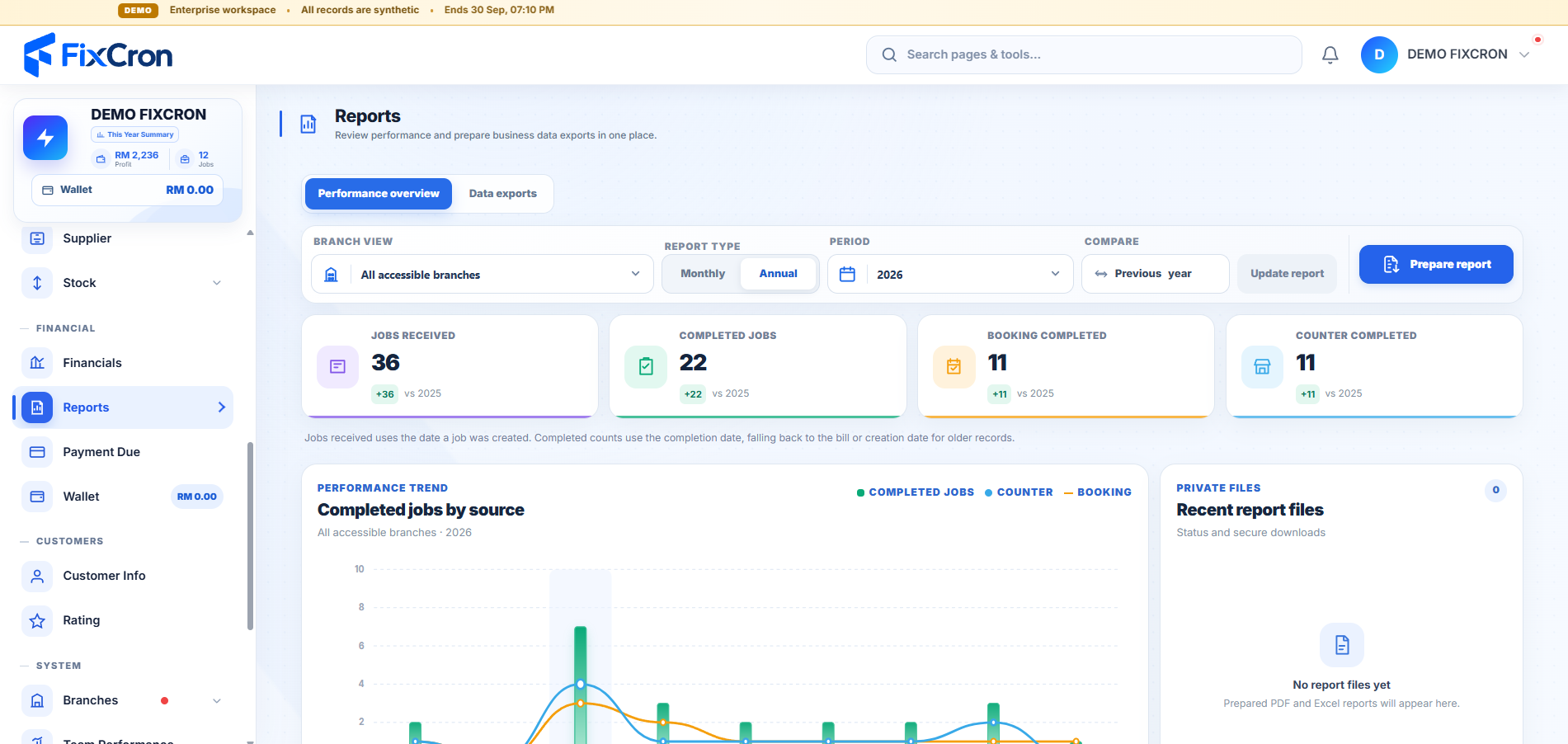
Review completed jobs and business performance.
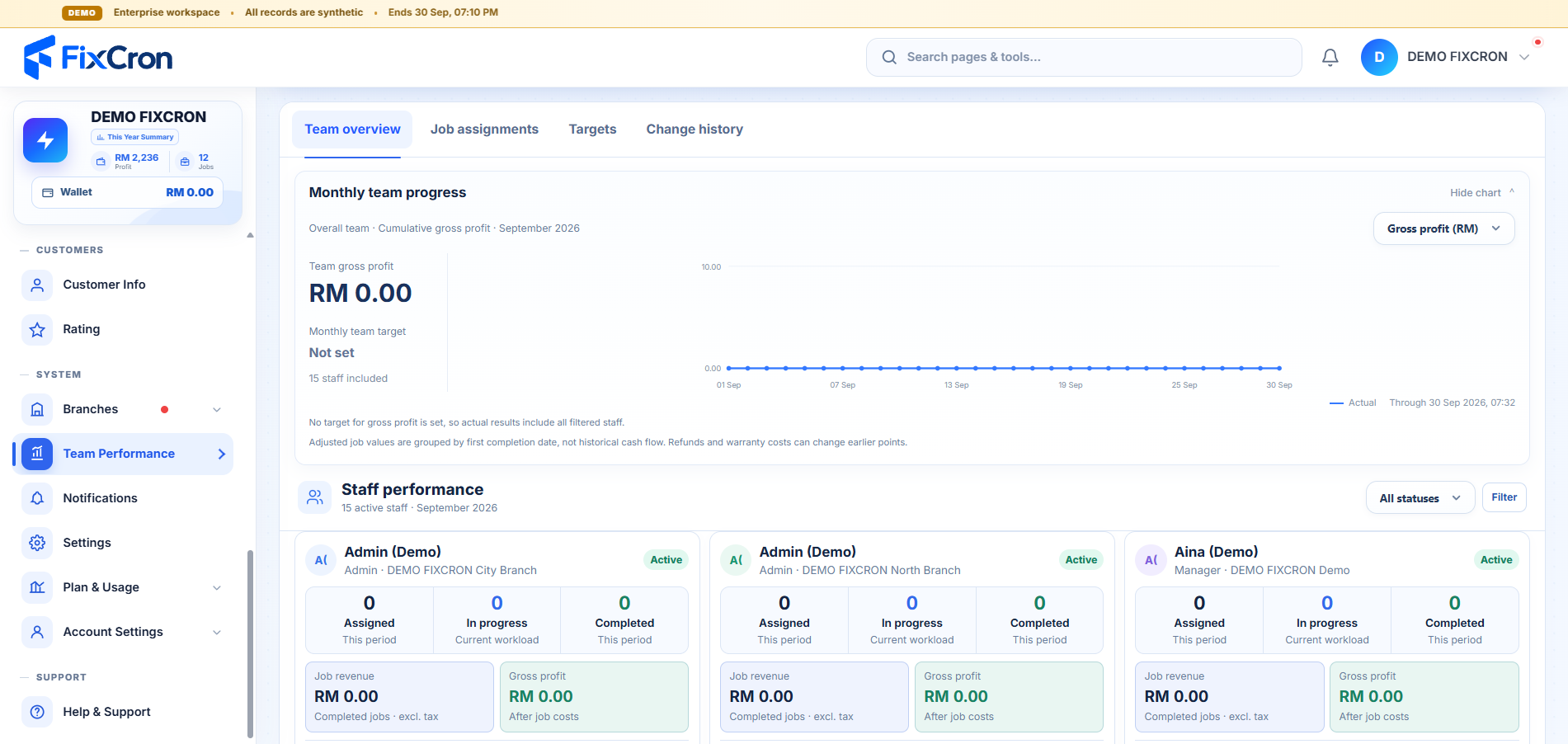
Bring team progress and staff performance together.
Built to grow with you
Start with what your shop needs today, then scale as your team and branches grow.
Plans for every stage
A few useful answers
Yes. FixCron has dedicated booking, counter and ongoing job workspaces to help you manage the repair process.
You can prepare repair agreements, bills and invoices, with document template settings for their appearance.
You can share a job’s tracking link so the customer can follow its repair status.
Features and limits vary by plan. You can compare prices, staff access, branch limits and other plan details before creating an account.